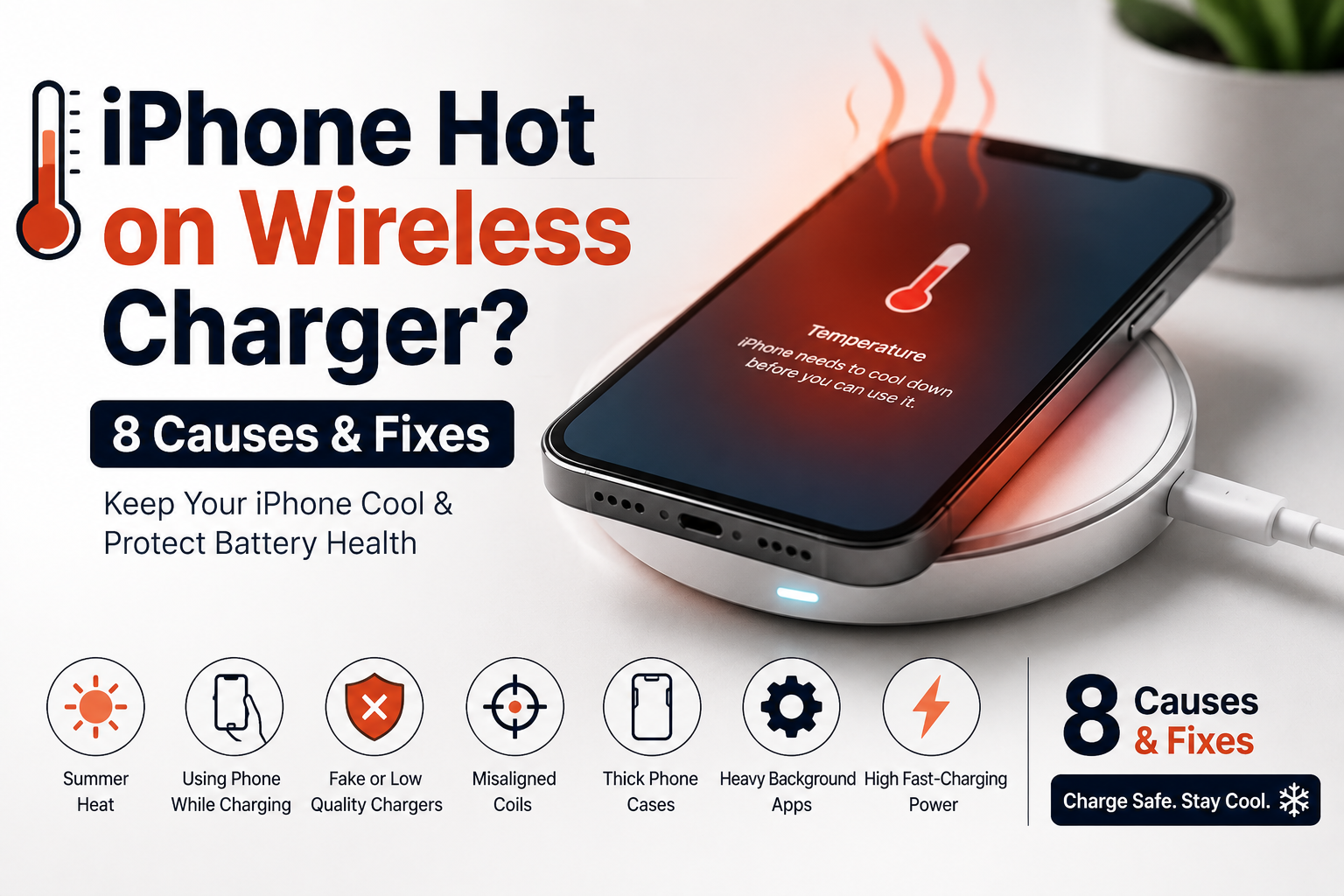
Why Wireless Charging Makes Your iPhone Hot in Pakistan ? 8 Causes & Fixes
If you notice that your iPhone feels warm whenever it sits on a wireless pad, you are not alone. Many people in Pakistan face this exact issue, especially during the harsh summer months. But when does normal warmth cross the line into dangerous overheating that can ruin your battery health?
Let’s look at the simple science behind wireless charging heat, why it happens, and how you can keep your iPhone cool in Pakistan’s weather.
Quick Answer: Is It Normal for Wireless Charging to Make an iPhone Hot?
Yes, it is completely normal for your iPhone to feel warm while charging wirelessly. Wireless charging transfers energy through a magnetic field between the coils inside the charger and your phone. This process is not 100% efficient. The energy lost during this transfer changes into heat.
However, your phone should never feel burning hot or show a temperature warning screen. If it does, there is an issue with your environment, your phone usage, or the charger itself.
To ensure your phone charges safely without destructive overheating, you can use a high-quality original charger. Check out the Official Apple MagSafe Charger 25W 2nd Gen Product Page for safe, certified hardware.
8 Big Reasons Why Your iPhone Overheats During Wireless Charging
1. The Physics of Electromagnetic Induction
Wired charging sends electricity directly into your battery through a physical metal connector. Wireless charging requires copper coils inside the pad to create a magnetic field, which the copper coils inside your iPhone must capture and convert back into electricity. This conversion layer loses roughly 20% to 30% of its efficiency, venting that waste directly out as surface heat.
2. Pakistan Summer Heat Waves
Our local weather plays a massive role in device temperatures. iPhones are designed to work best in ambient temperatures up to 35°C. During a Pakistani summer, room temperatures often cross 40°C without AC. Since the air around the phone is already hot, the iPhone cannot release the natural heat generated by wireless charging. This causes the internal temperature to rise rapidly.
3. Using the Phone While Charging
Using your iPhone while it sits on a wireless charger is one of the worst things you can do. When you scroll through social media, watch TikTok, or play heavy games like PUBG, your phone’s processor generates its own heat. When you combine processor heat with the heat from wireless charging, the phone gets overloaded and turns extremely hot.
4. Fake or Low-Quality Chargers
The local Pakistani market is filled with cheap, duplicate wireless chargers. These fake items do not have proper internal safety chips or thermal management. They pump unstable voltage into your phone and cause massive electrical resistance, which creates intense, dangerous heat that damages your battery health permanently.
5. Physical Misalignment of Charging Coils
If your internal copper coils do not line up perfectly with the coils inside the wireless pad, the charger has to pump out significantly more power to jump the physical gap. This structural strain generates massive excess heat. Standard wireless mats make perfect alignment difficult, causing your phone to run much hotter if placed slightly off-center.
6. Heavy Phone Cases Acting as Insulators
iPhones are compactly engineered out of premium aluminum and glass, designed to dissipate internal heat through their outer chassis. Heavy-duty, rugged, or thick wallet cases wrap your phone in a layer of thermal insulation. The case traps the inductive warmth inside, causing the battery temperature to climb rapidly.
7. Demanding Background Applications
Even if you are not actively using your phone, heavy background tasks can generate heat. If your iPhone is performing intensive background applications—such as downloading large files, updating software, synchronizing massive iCloud photo libraries, or indexing files—while simultaneously drawing wireless power, it stacks internal processor heat right on top of inductive charging heat.
8. High Fast-Charging Power Layouts
The faster energy moves, the more friction and heat it produces. Fast wireless charging systems pump higher wattages into the device. This extra power input creates a much quicker, condensed thermal curve compared to slow, old-generation wireless mats.
How to Keep Your iPhone Cool and Save Battery Health
Ensure Perfect Alignment: Take an extra second to center your iPhone on the wireless pad to ensure the internal coils match up perfectly, which drops heat levels instantly.
Remove the Case: Always take off thick, heavy, or rugged cases before putting your phone on a wireless pad so the heat can escape naturally.
Avoid Fake Chargers: Never buy cheap copy chargers from local markets. Only use certified pads with built-in heat control.
Don’t Use Your Phone: Let the phone charge in peace. Avoid gaming, streaming, or calling while it is drawing wireless power.
Close Background Apps: If your phone feels hot, pause heavy downloads or close apps that are refreshing heavily in the background.
Charge in a Cool Spot: Keep your charger away from direct sunlight, windows, or hot car dashboards. Charge your phone on a hard, flat surface like a wooden desk inside a well-ventilated or air-conditioned room.
Never Use the Fridge: If your phone gets too hot, do not put it in the fridge or freezer. The sudden temperature drop causes condensation (water droplets) inside the phone, which will permanently ruin the motherboard. Just turn it off and let it cool down naturally in front of a fan or AC vent.
Frequently Asked Questions
Q1: Why does wireless charging make my iPhone feel warm?
Wireless charging uses coils to transfer power through the air. Since this process loses some energy, that lost power is released as heat.
Q2: Will summer heat waves in Pakistan damage my iPhone battery?
Yes. High ambient temperatures combined with wireless charging heat can permanently reduce your battery health over time.
Q3: Can I use my iPhone while it is charging wirelessly?
It is highly recommended to avoid using it. Heavy use makes the processor hot, which combines with the charging heat to cause severe overheating.
Q4: Why does my iPhone stop charging at 80%?
This is a built-in iOS safety feature. When your phone gets too warm, the software pauses charging at 80% to protect the battery from heat damage. It will resume once the phone cools down.
Q5: How can I tell if a cheap wireless charger is ruining my phone?
If the pad makes your phone too hot to hold comfortably, or causes your phone to lag, freeze, or show temperature warnings frequently, it lacks proper safety chips and should be replaced.
Q6: Is it safe to leave my phone on a wireless charger overnight during summer?
Only if you are using a genuine, high-quality charger inside a cool room. Cheap chargers can overheat and cause safety risks.
Q7: Does my phone case cause overheating?
Yes, thick silicone, leather, or wallet cases trap heat like an oven. Take the case off for cooler charging.
Q8: Why does wired charging feel cooler than wireless charging?
Wired charging sends electricity directly into the phone through metal. Wireless charging involves multiple energy conversions across an air gap, which creates much more waste heat.
Q9: Can I put my hot iPhone in front of an AC or fan to cool it down?
Yes. A fan or AC vent helps cool the outer glass safely. Just avoid extreme environments like refrigerators.
Q10: Does fast wireless charging generate more heat than slow charging?
Yes. Higher wattage brings more power flow, which naturally increases thermal output during the charging cycle.